
Search St. Cloud Warrant Records
St. Cloud warrant records are handled by the Stearns County District Court and the St. Cloud Police Department. St. Cloud sits in central Minnesota and is the largest city in the 7th Judicial District. If you want to search for active warrants or look up case data in St. Cloud, there are a few ways to do it. The state court system has a free online portal that covers Stearns County cases. You can also contact the St. Cloud Police for local arrest and warrant records. This page walks through where to search and what to expect when looking for warrant records in St. Cloud.
St. Cloud Overview
St. Cloud Warrant Records Online Search
The fastest way to search for St. Cloud warrant records is through Minnesota Court Records Online. This free portal covers the Stearns County District Court. You can search by name, case number, or case type. Results show party names, charges, hearing dates, and docket entries. The system runs around the clock, so you can search any time from any device.
Stearns County also has its own criminal case search tool on the county website. This can be helpful if you want to narrow your search to just Stearns County cases without going through the statewide system. Both tools pull from the same court data, but the county search may have a simpler layout for quick lookups.
Keep in mind that some warrant records may not show up in the online system. Sealed cases, juvenile records, and some active investigation data stay restricted. For those records, you need to contact the court clerk in person or by phone. The Stearns County Court Administrator can be reached at the courthouse in St. Cloud.
St. Cloud Police Warrant Records
The St. Cloud Police Department is the main law enforcement agency in the city. They handle arrests, serve warrants, and maintain local case records. The department sits at 101 11th Ave. N., St. Cloud, MN 56303. Office hours are Monday through Friday, 8 a.m. to 4:30 p.m.
| Department | St. Cloud Police Department |
|---|---|
| Address | 101 11th Ave. N. St. Cloud, MN 56303 |
| Information Desk | 320-345-4444 |
| Non-Emergency | 320-251-1200 |
| Fax | 320-650-3839 |
| Hours | Monday - Friday, 8 a.m. - 4:30 p.m. |
The St. Cloud Police website is shown below. It has links to data request forms, community resources, and more.
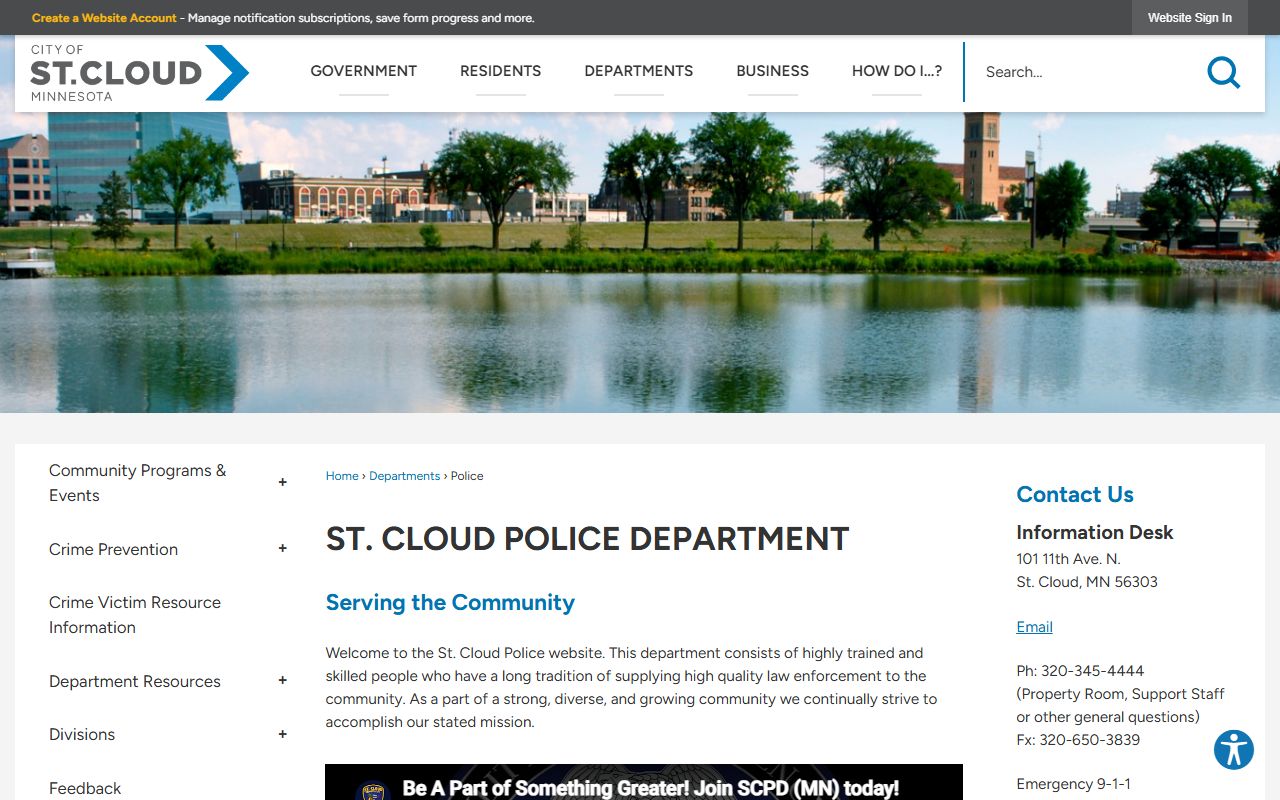
When officers in St. Cloud serve a warrant or make an arrest, they create records that eventually become part of the court file. Arrest data becomes public once the person is booked. You can request copies of arrest reports and warrant service details from the police records unit. Call the information desk at 320-345-4444 to start.
Accessing Warrant Records in St. Cloud
Minnesota's Data Practices Act controls what records are public and what stays private. Under Statute 13.82, law enforcement data has several classifications. Arrest data, including the person's name, the charges, and the time of arrest, is public. Warrant records tied to those arrests are also generally accessible once the warrant has been served.
The city of St. Cloud official website can help you find contact details and other public resources.
Some warrant records in St. Cloud may be harder to get. If a warrant is tied to an ongoing investigation, the police can hold back details until charges are filed or the case closes. Juvenile warrant records are almost always sealed. If you are not sure what is available, ask the St. Cloud Police records staff or the Stearns County Court Administrator. They can tell you what data you can and cannot get for a specific case.
The St. Cloud Police also has a dedicated records section on its website.
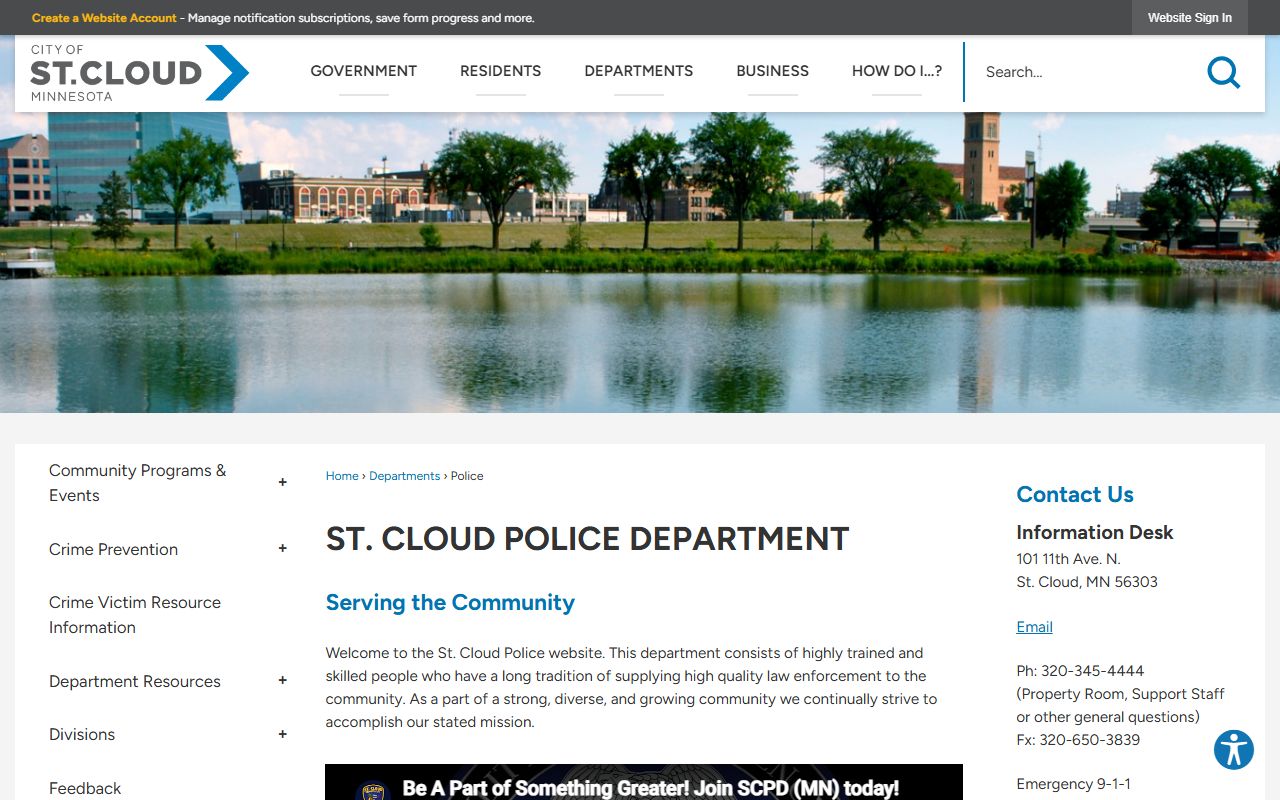
Note: Data request forms can be submitted online or in person at the police department during business hours.
Warrant Records Laws for St. Cloud
All warrants in St. Cloud follow Minnesota state law. Statute 626.05 defines a search warrant as a written court order directing an officer to search a specific person or place. The warrant must name the property to be seized. This applies to every warrant issued in the 7th Judicial District, including St. Cloud cases.
Probable cause is a must. Under Statute 626.08, no search warrant can be issued without probable cause backed by a sworn affidavit. The affidavit must describe the person, the place, and the things to be seized with enough detail to prevent overly broad searches. Judges in Stearns County review these affidavits before signing off on warrants.
Search warrants have a short shelf life. Statute 626.15 says officers must serve the warrant within 10 days or it goes void. Financial record warrants last 30 days, with a possible 30-day extension. After the warrant is served, officers file a return with the court listing what they took. That return becomes part of the public court record in most cases.
State Resources for Warrant Searches
The Bureau of Criminal Apprehension maintains a statewide warrant information system under Statute 299C.115. This system lets law enforcement officers across Minnesota check for active warrants during traffic stops, calls for service, and other contacts. While the BCA system is not directly open to the public, the data feeds into the court records system that you can search online.
St. Cloud residents can also use the Minnesota Judicial Branch website for court contact information and general resources about the warrant process. The site lists hours, locations, and phone numbers for every court office in the state.
Stearns County Warrant Records
St. Cloud is in Stearns County. All court-level warrant records go through the Stearns County District Court. The county court handles cases for St. Cloud and surrounding communities. For more details on the county court system, visit the Stearns County warrant records page.
Nearby Cities
Other Minnesota cities where you can search for warrant records: